
Coaching Analytics
Use the verified coaching analytics area to review coaching activity within its broader program context.
.svg)
Review coaching analytics alongside programs, coaches, coachees, engagements, sessions, dates, and status within one connected TraineryCoaching environment.
.svg)
Review employee coaching analytics alongside the program, participant, engagement, session, date, and status information used to administer coaching.


.svg)
Use TraineryCoaching to review coaching analytics alongside program, coach, coachee, engagement, session, date, and status information.

Use the verified coaching analytics area to review coaching activity within its broader program context.
Keep coaching analytics connected to the programs and coaching activity being administered.
Review analytics alongside coach, coachee, engagement, and session information.
Keep date and status information available alongside coaching analytics and activity.
Review coaching analytics within the same TraineryCoaching environment used to organize programs, participants, engagements, sessions, dates, and status.
.svg)
Use the verified coaching analytics area to review coaching activity within TraineryCoaching.
.svg)
Keep coaching analytics connected to the program information that provides activity context.
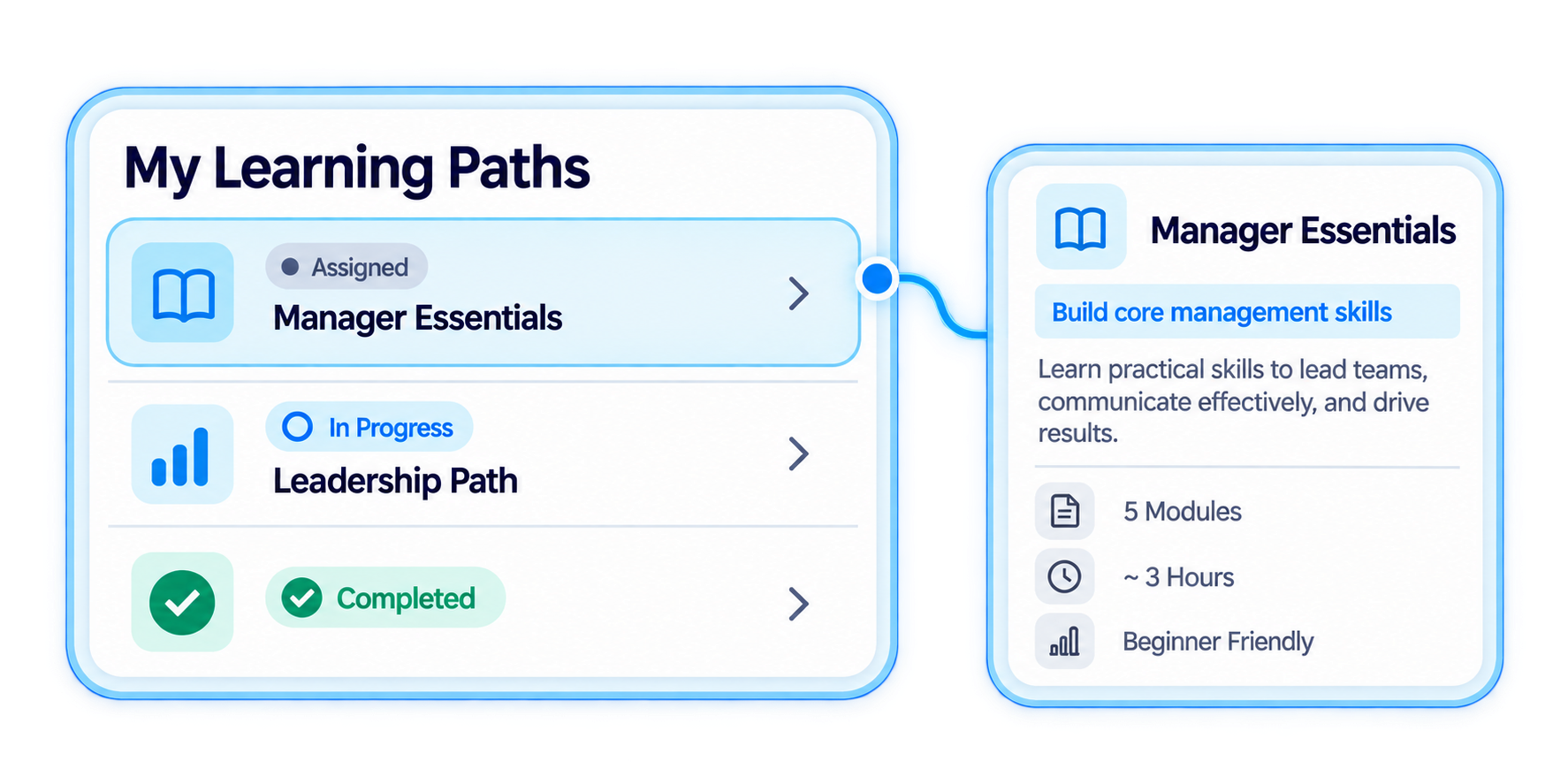
Review analytics alongside coach, coachee, engagement, and session information.
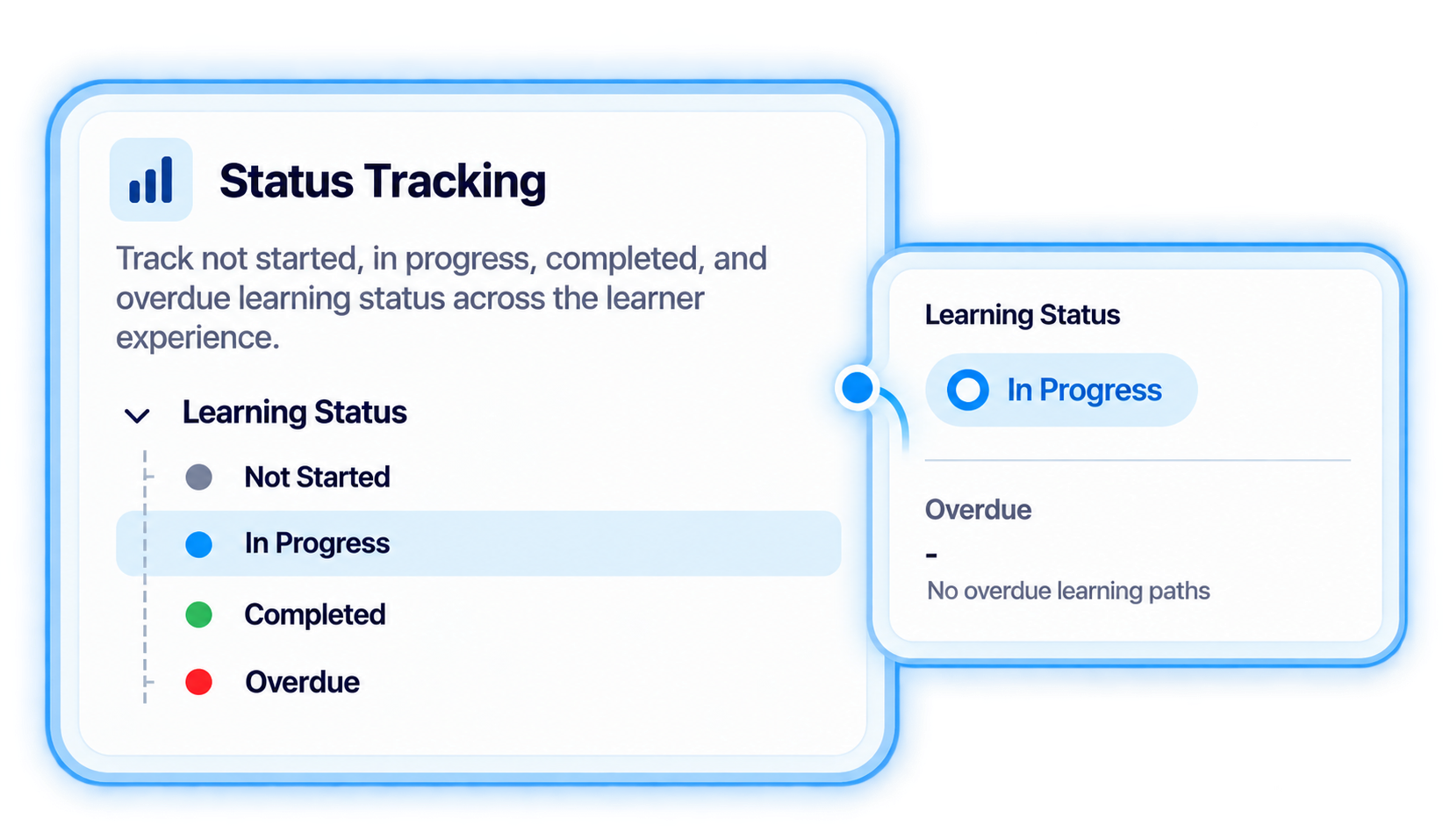
Maintain date and status information alongside coaching activity and analytics.
Use connected coaching information to review analytics within the context of the programs, participants, engagements, sessions, and status being managed.
.svg)
Keep program information connected to the coaching activity that provides context for analytics.
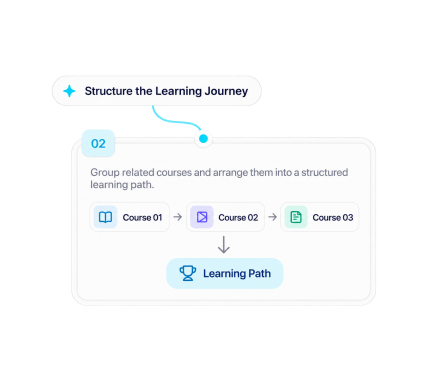
Maintain coach and coachee information within the relevant coaching program and engagement.
.svg)
Keep coaching engagement and session information connected within the managed coaching workflow.
.svg)
Keep date and status information connected to the relevant engagement and session activity.
.svg)
Review coaching analytics alongside program, participant, engagement, session, date, and status information.

Review coaching analytics alongside programs, participants, engagements, sessions, dates, and status in one connected coaching environment.
.svg)


.svg)
