
Program Information
Maintain coaching program fields within the same structured environment used to manage coaching activity.
.svg)
Organize coaching programs, coaches, coachees, engagements, sessions, and status while keeping coaching activity connected within one structured TraineryCoaching workflow.
.svg)
Bring program information, coaches, coachees, engagements, sessions, dates, and status into one coordinated coaching-management workflow.


Use TraineryCoaching to keep program, coach, coachee, engagement, session, date, and status information connected throughout coaching administration.

Maintain coaching program fields within the same structured environment used to manage coaching activity.
Connect coach and coachee information to the relevant programs and coaching engagements.
Keep coaching engagements connected to program, participant, session, date, and status information.
Review coaching status and analytics alongside program, engagement, and session information.
Organize coaching programs within the same TraineryCoaching environment used to manage participants, engagements, sessions, status, and analytics.
.svg)
Maintain coaching program information within a structured coaching-management workflow.
.svg)
Keep coach and coachee information connected to the programs and engagements they participate in.
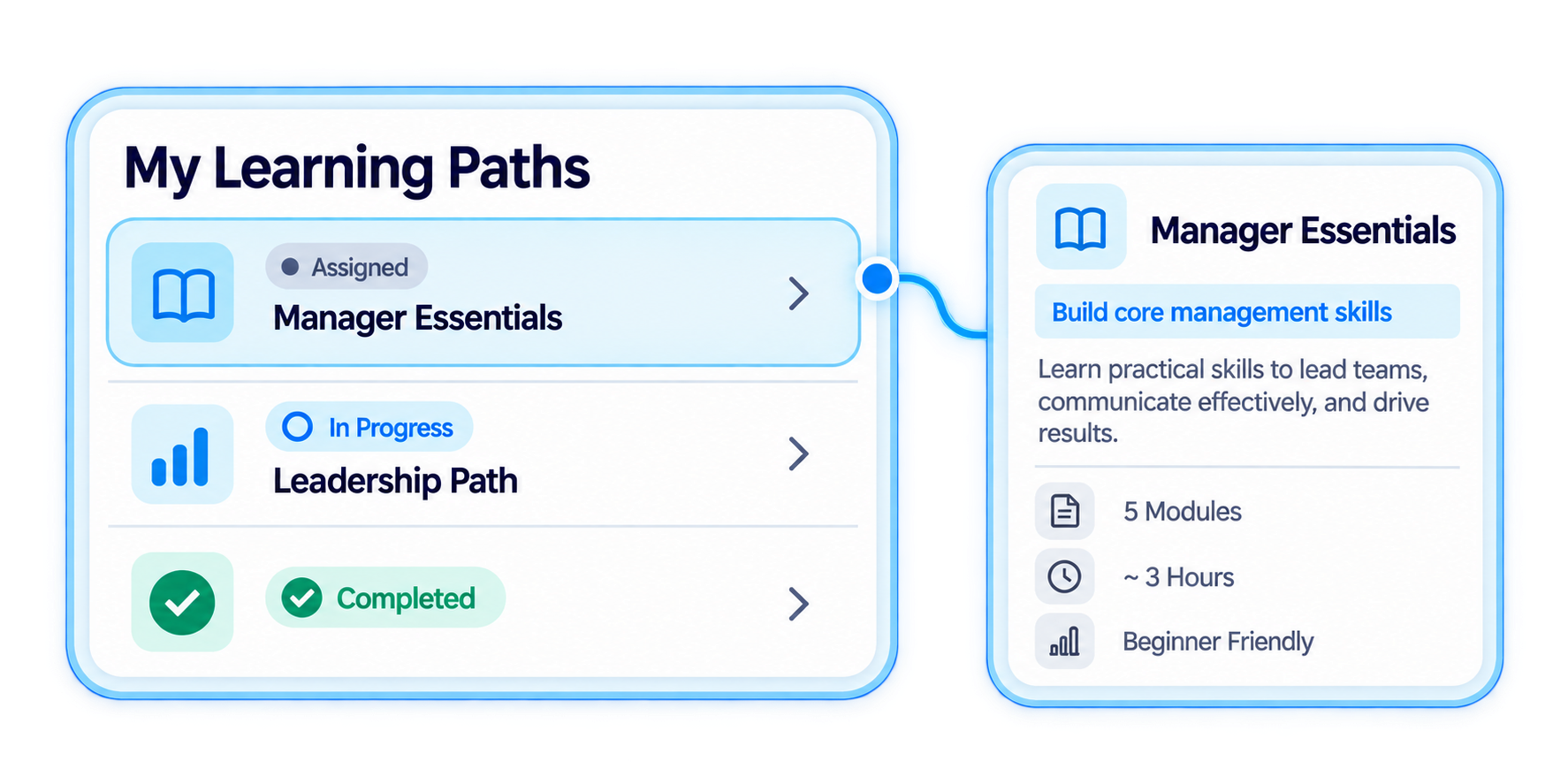
Follow coaching activity through engagement, session, date, and status information.
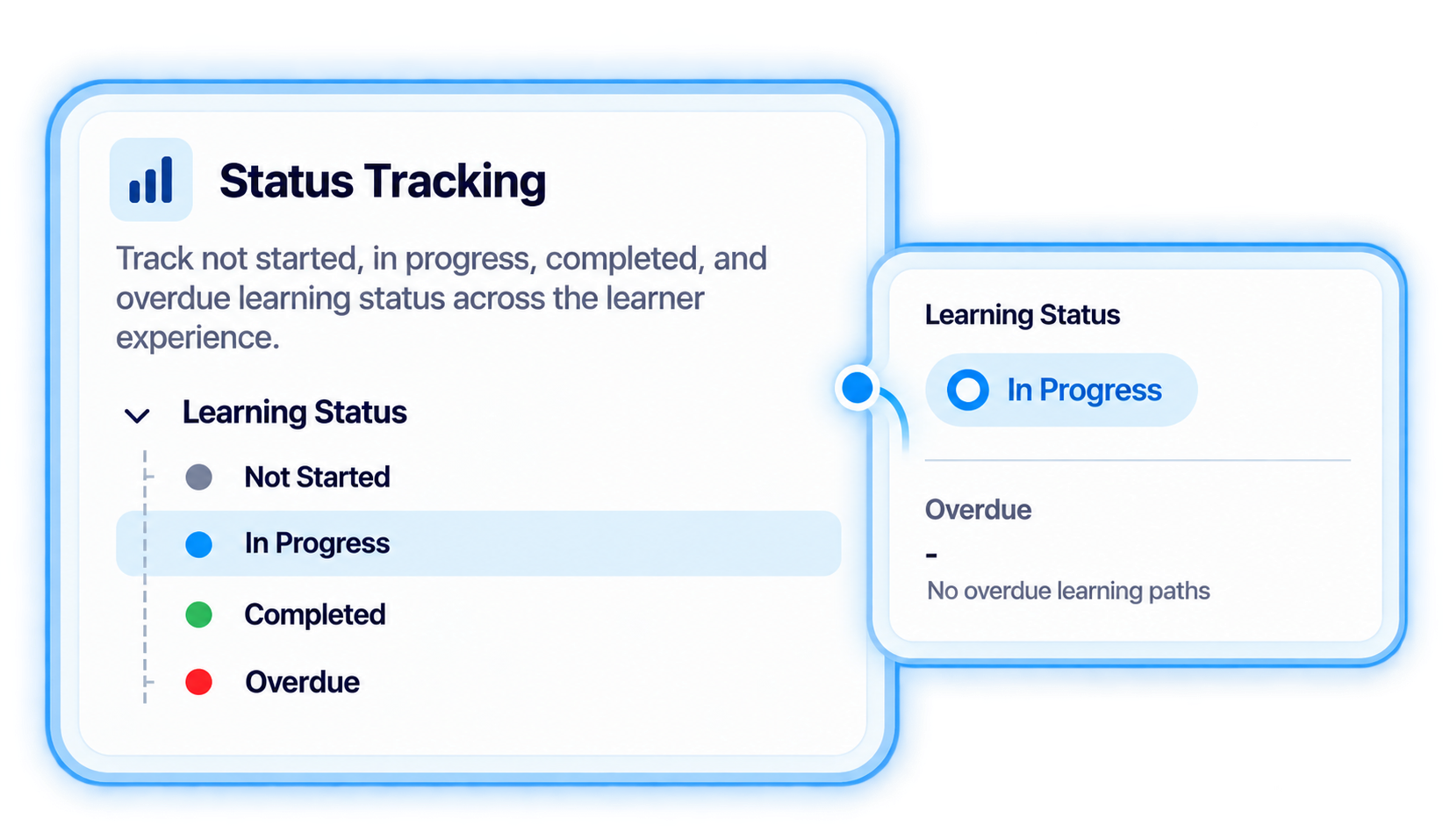
Use coaching status and analytics to review activity across programs, engagements, and sessions.
Use a connected coaching program management workflow to organize people and activity around the coaching programs they support.
.svg)
Maintain the coaching program information used to organize the coaching activity being managed.
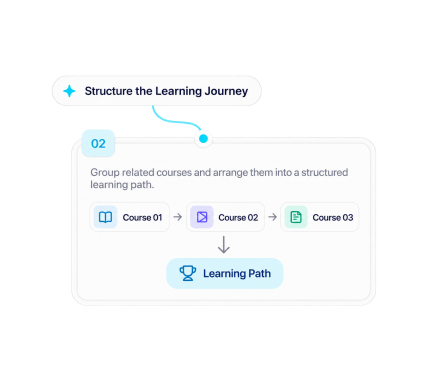
Associate coach and coachee information with the relevant coaching program and engagement.
.svg)
Use coaching engagement views and the engagement library to organize program-related activity.
.svg)
Maintain session, date, and status information as coaching activity progresses.
.svg)
Review coaching status and analytics alongside program, engagement, and session information.

Organize coaching programs, connect coaches and coachees, track engagements and sessions, and review coaching status and analytics.
.svg)
Track operational training tasks with task context, proposed changes, requester information, waiting time, and status in one connected Trainery workflow.
Give learning operations teams a structured view of training tasks, including what initiated the task, what change is proposed, who requested it, how long it has been waiting, and its current status.
Trainery provides task-management fields that help learning operations teams keep task context, proposed changes, requester information, waiting time, and status together.
Keep the task trigger associated with the operational request or change being tracked.
Maintain visibility into the proposed change associated with a training task.
Keep requester context connected to the task instead of separating it from the operational workflow.
Track waiting time and status to maintain clearer visibility into outstanding training tasks.
Organize operational training tasks using verified task fields for context, proposed changes, requesters, waiting time, and status.
Use Trainery's Task Management capability to maintain training-related operational tasks within the learning-operations environment.
Maintain the task-trigger information associated with the operational item being tracked.
Connect requester information with the proposed change associated with the training task.
Track waiting time and status so teams can see the current state of outstanding tasks.
Use a structured training task management workflow to keep operational requests, proposed changes, requester context, waiting time, and status together.
Start with the training or learning-operations task that needs to be tracked.
Record the task-trigger context associated with the operational item.
Keep the proposed change associated with the task so the requested update remains visible.
Keep requester information associated with the operational training task.
Use waiting-time and status information to understand where the task currently stands.
Keep training tasks, proposed changes, requesters, waiting time, and status organized within the Trainery learning-operations workflow.


.svg)
