
Credential Status
Review compliant, at-risk, CPE-at-risk, and non-compliant states within structured credential views.
.svg)
Monitor compliant, at-risk, CPE-at-risk, and non-compliant credential states while keeping employee, credential, renewal, and action context connected.
.svg)
Support employee credential compliance by bringing credential status, risk states, mandatory credential visibility, and action priorities into one structured view.


.svg)
Use TraineryCredentials to review credential states, risk by credential, mandatory credential visibility, and action queues alongside employee and renewal context.

Review compliant, at-risk, CPE-at-risk, and non-compliant states within structured credential views.
Review risk at the credential level to understand where administrative attention may be needed.
Keep critical mandatory credentials visible within broader credential and compliance context.
Use verified credential action queues to organize records and requirements that need follow-up.
Review credential risk within the same TraineryCredentials environment used for employee summaries, credential holdings, renewal forecasts, CPE visibility, and compliance views.
.svg)
Use credential status tracking across compliant, at-risk, CPE-at-risk, and non-compliant views.
.svg)
See credential-level risk within the context of the credential records being managed.
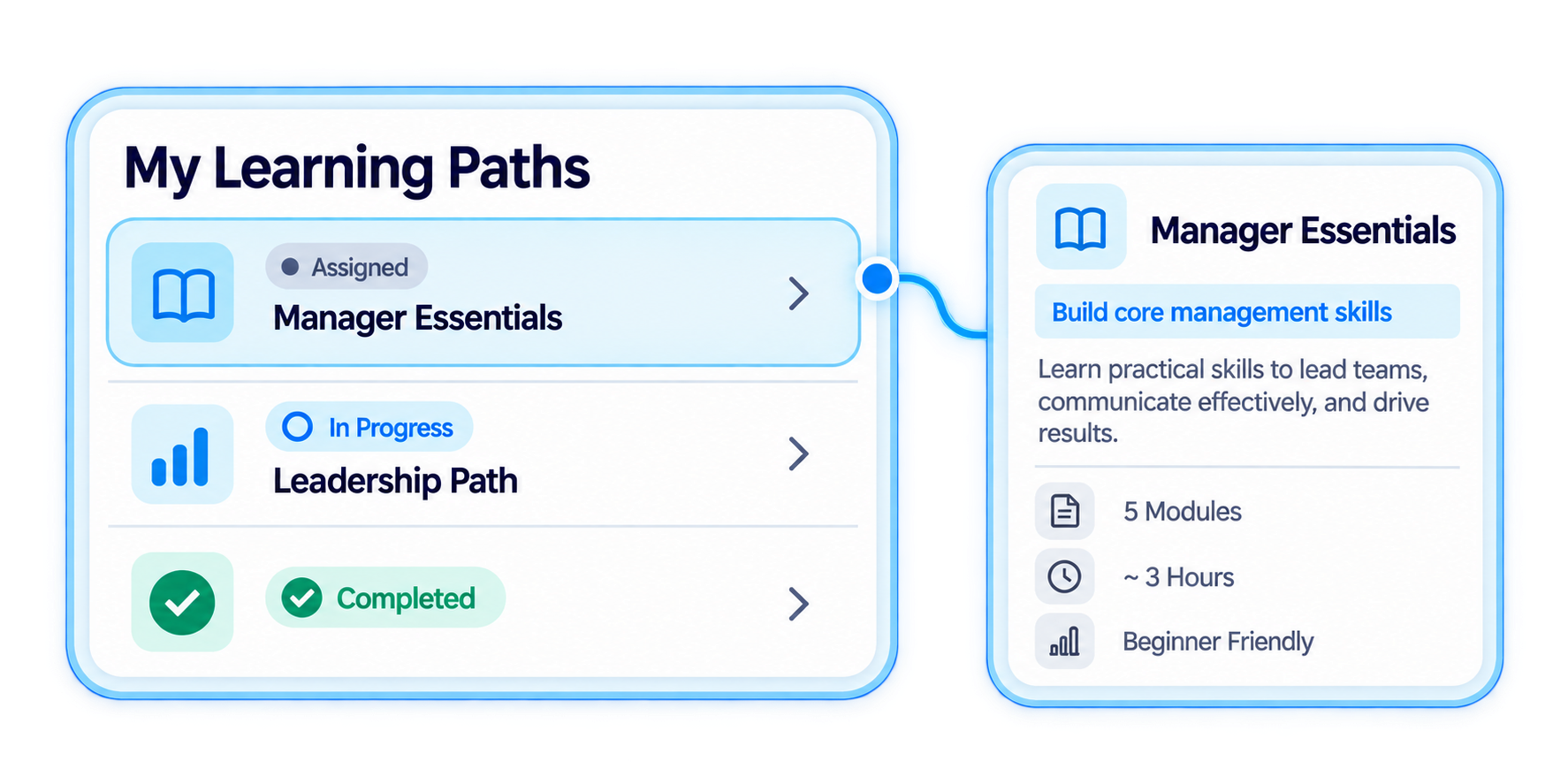
Keep critical mandatory credentials visible when reviewing workforce credential compliance.
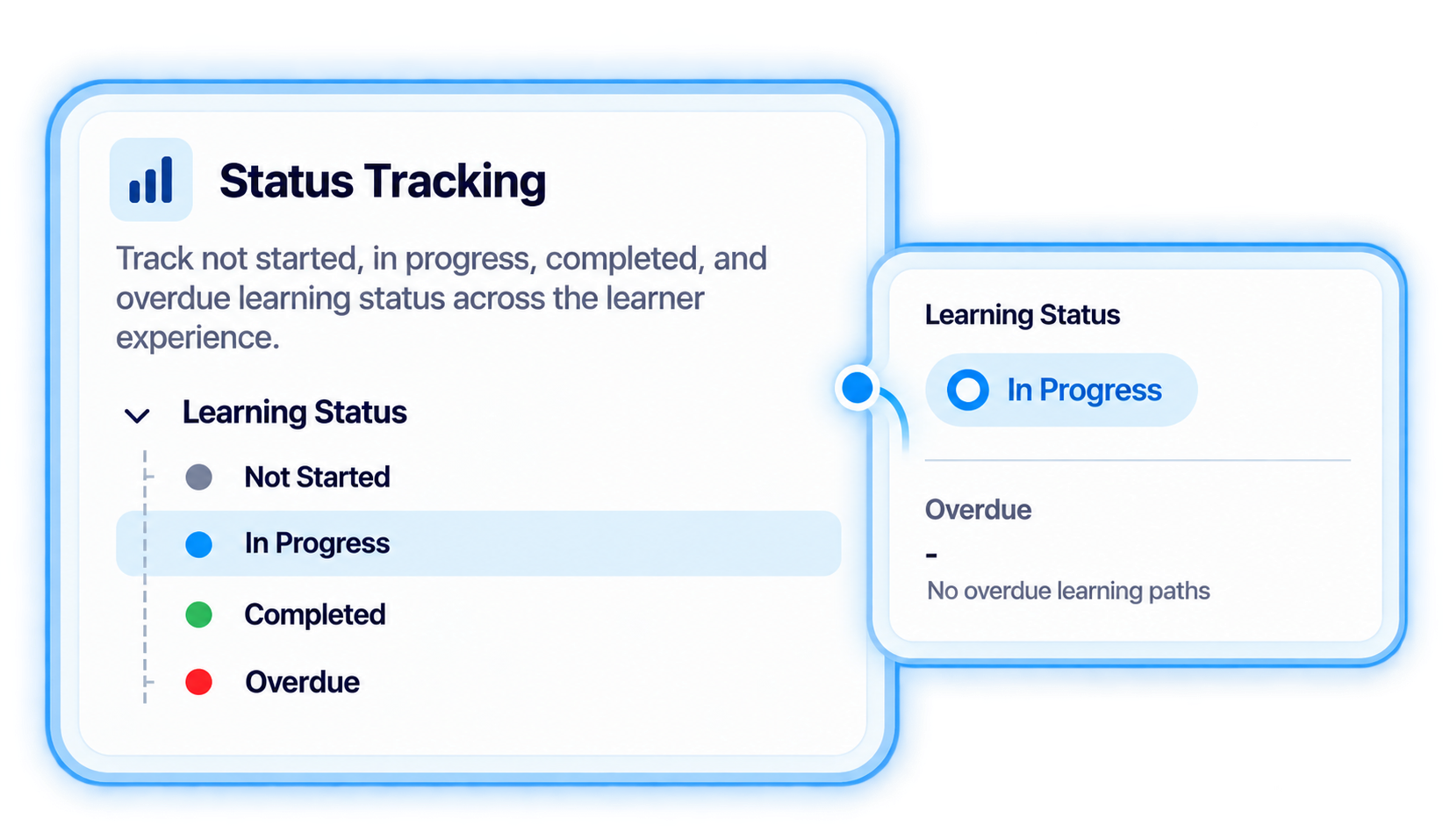
Use credential action queues to organize records and requirements that need attention.
Use a connected certification compliance tracking workflow to review credential status, identify risk context, and organize administrative follow-up.
.svg)
Keep employee and credential holding information connected as the basis for credential-status review.
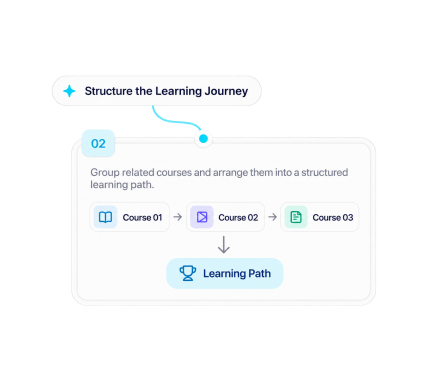
Review compliant, at-risk, CPE-at-risk, and non-compliant credential states across managed credential information.
.svg)
Use risk-by-credential visibility together with expiration, renewal, or CPE context where those fields are relevant.
.svg)
Keep critical mandatory credentials visible when reviewing workforce credential and compliance status.
.svg)
Use verified credential action queues to organize administrative attention around records and requirements that need follow-up.

Review credential status, identify workforce credential risk, surface mandatory credentials, and organize follow-up with TraineryCredentials.
.svg)


.svg)
