
My Courses
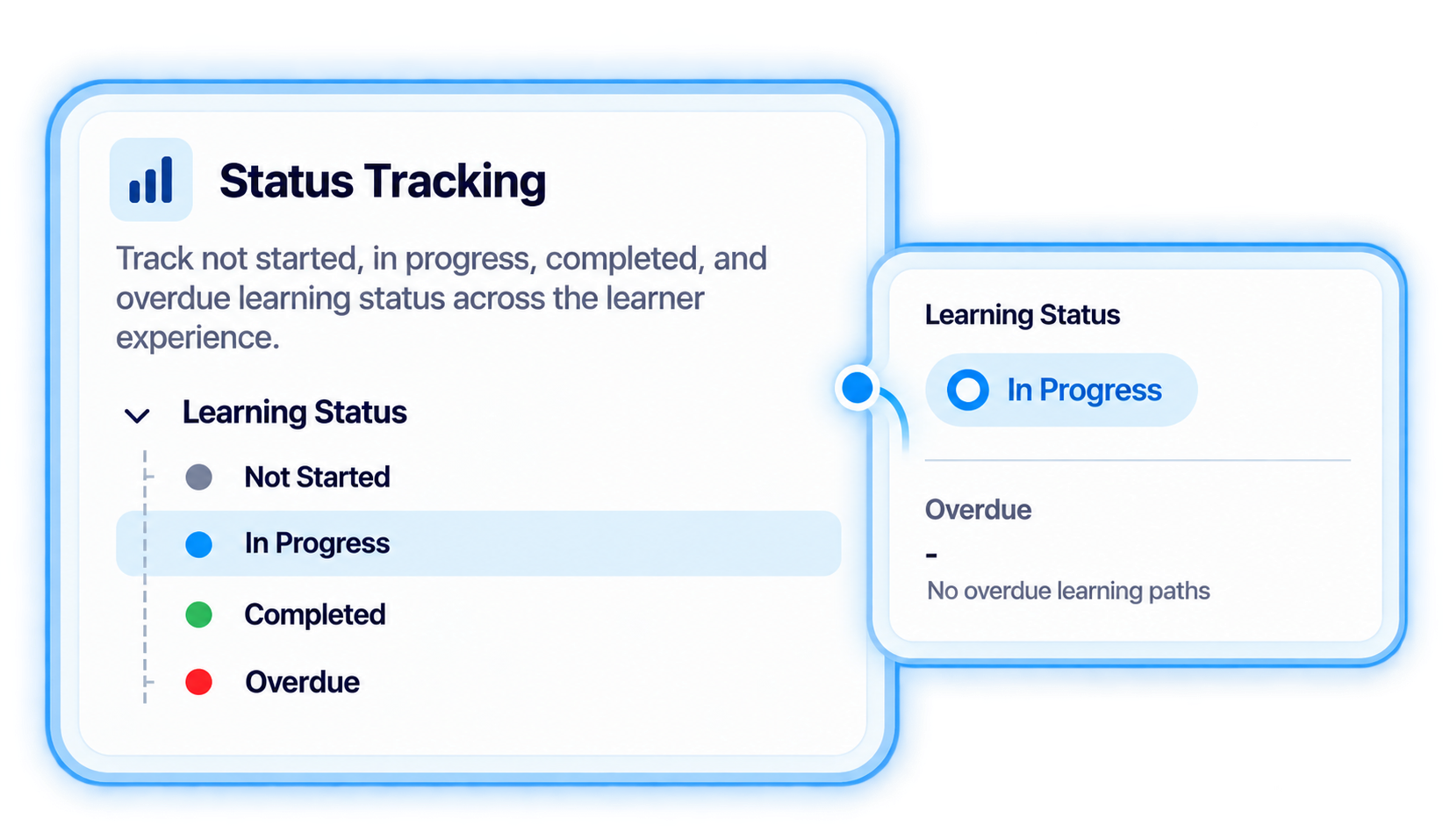
Give learners a dedicated course view with clear status visibility across Not Started, In Progress, Completed, and Overdue learning.
.svg)
Give learners one place to access courses, learning paths, events, records, credentials, engagements, and role requirements across their Trainery learning experience.
.svg)
Bring assigned learning, progress, records, credentials, and role requirements into dedicated learner-facing views that make training easier to follow.


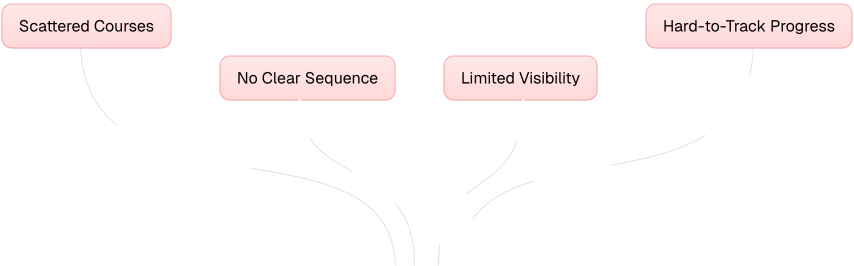
Bring courses, learning paths, events, engagements, records, credentials, and role requirements together so learners can understand what they need to do and what they have already completed.

Give learners a dedicated course view with clear status visibility across Not Started, In Progress, Completed, and Overdue learning.
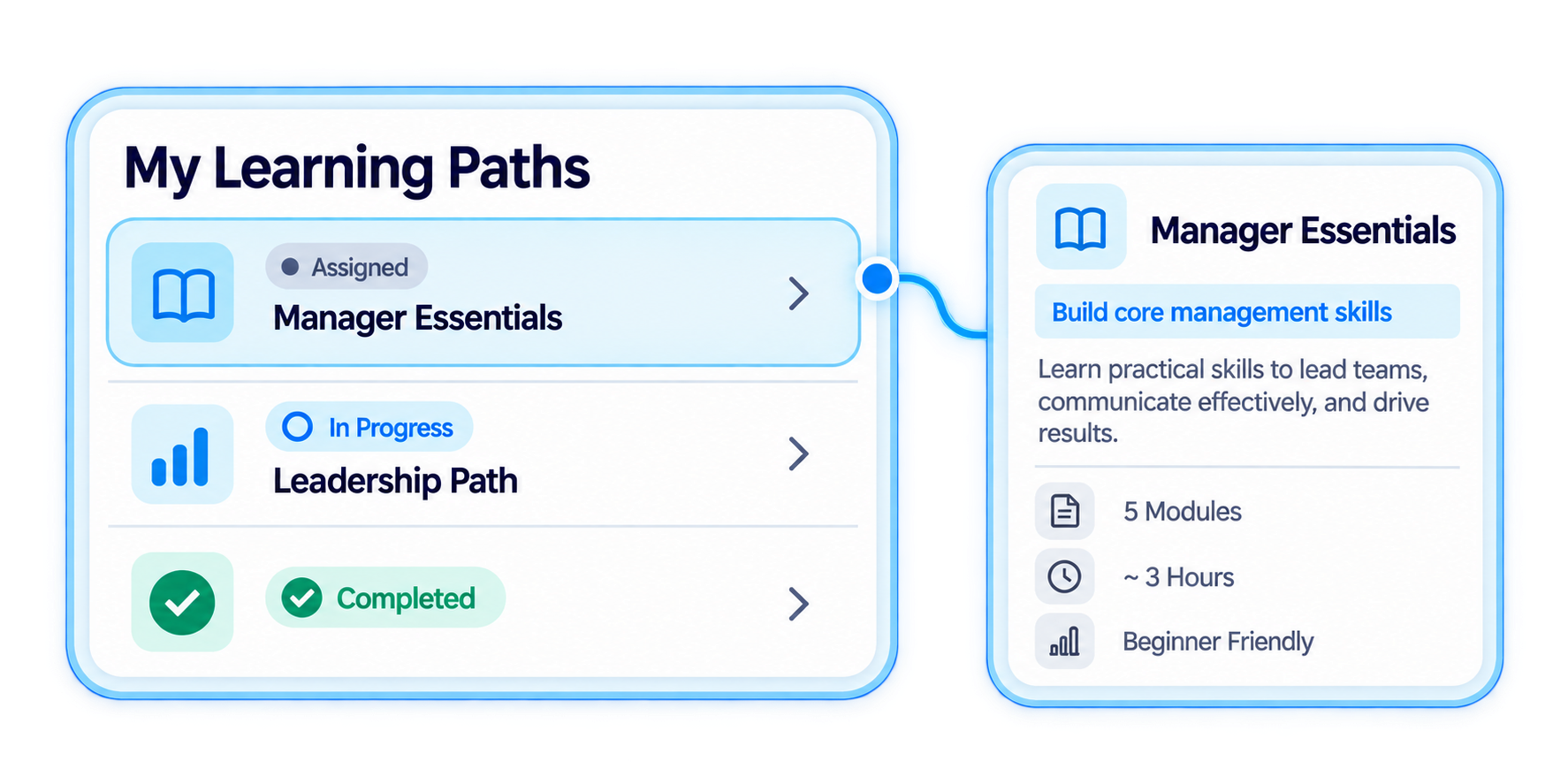
Keep structured learning paths and scheduled learning events visible alongside the learner's broader training activity.
Give learners access to their learning records and credential information as part of the same connected experience.
Show learners the training and requirement information associated with the work role they perform.
Give learners dedicated views for their training, progress, records, credentials, events, engagements, and role-related learning requirements.
.svg)
Give learners a focused course area with views for Not Started, In Progress, Completed, Overdue, and All Courses.
.svg)
Keep learning paths, scheduled events, and learning engagements visible within the learner experience.
Give learners access to completed learning records and credential information beyond the immediate course experience.
Use My Role Requirements to give learners visibility into training and requirement information associated with their work role.
Connect training activity, completion, learning records, credentials, and role requirements through one learner-facing journey.
.svg)
Learners can use My Courses and related learner views to understand the training activity available to them.
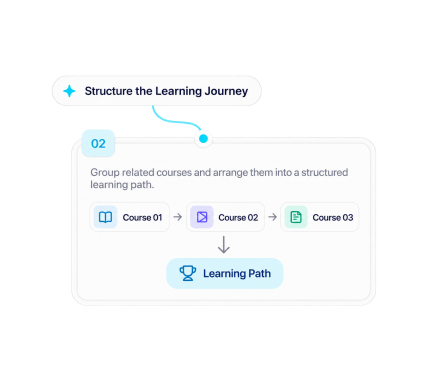
Access courses, structured learning paths, events, and engagements from dedicated learner-facing areas.
.svg)
Use Not Started, In Progress, Completed, and Overdue views to understand the current status of course activity.
.svg)
Completed learning activity remains connected to learner records for ongoing training-history visibility.
.svg)
Use My Credentials and My Role Requirements to review credential information and role-related training requirements alongside the broader learning journey.

Give learners one connected place for courses, paths, events, records, credentials, progress, and role-related training requirements.
.svg)


.svg)
