
Learner Enrollment
Manage enrollment as part of the same operational workflow used for scheduled ILT and VILT activity.
.svg)
Manage learner enrollment, session capacity, and waitlists across instructor-led and virtual training while keeping participation connected to events and sessions in TraineryTMS.
.svg)
Use a connected training registration system to manage learner enrollment, available capacity, and waitlists alongside the events and sessions where training takes place.


TraineryTMS keeps learner participation connected to the event and session structure, giving training administrators a clearer operational workflow from registration through delivery.

Manage enrollment as part of the same operational workflow used for scheduled ILT and VILT activity.
Keep capacity information connected to the sessions where learners are registered for training.
Manage waitlists alongside enrollment and capacity when learner demand exceeds available session space.
Keep learner participation connected to the dates, events, sessions, instructors, and delivery details supporting training.
Manage learner participation across ILT and VILT with connected enrollment, capacity, and waitlist capabilities inside TraineryTMS.
.svg)
Use training enrollment management to keep learner participation connected to scheduled events and sessions.
.svg)
Use session capacity management to maintain capacity information alongside the training sessions learners attend.
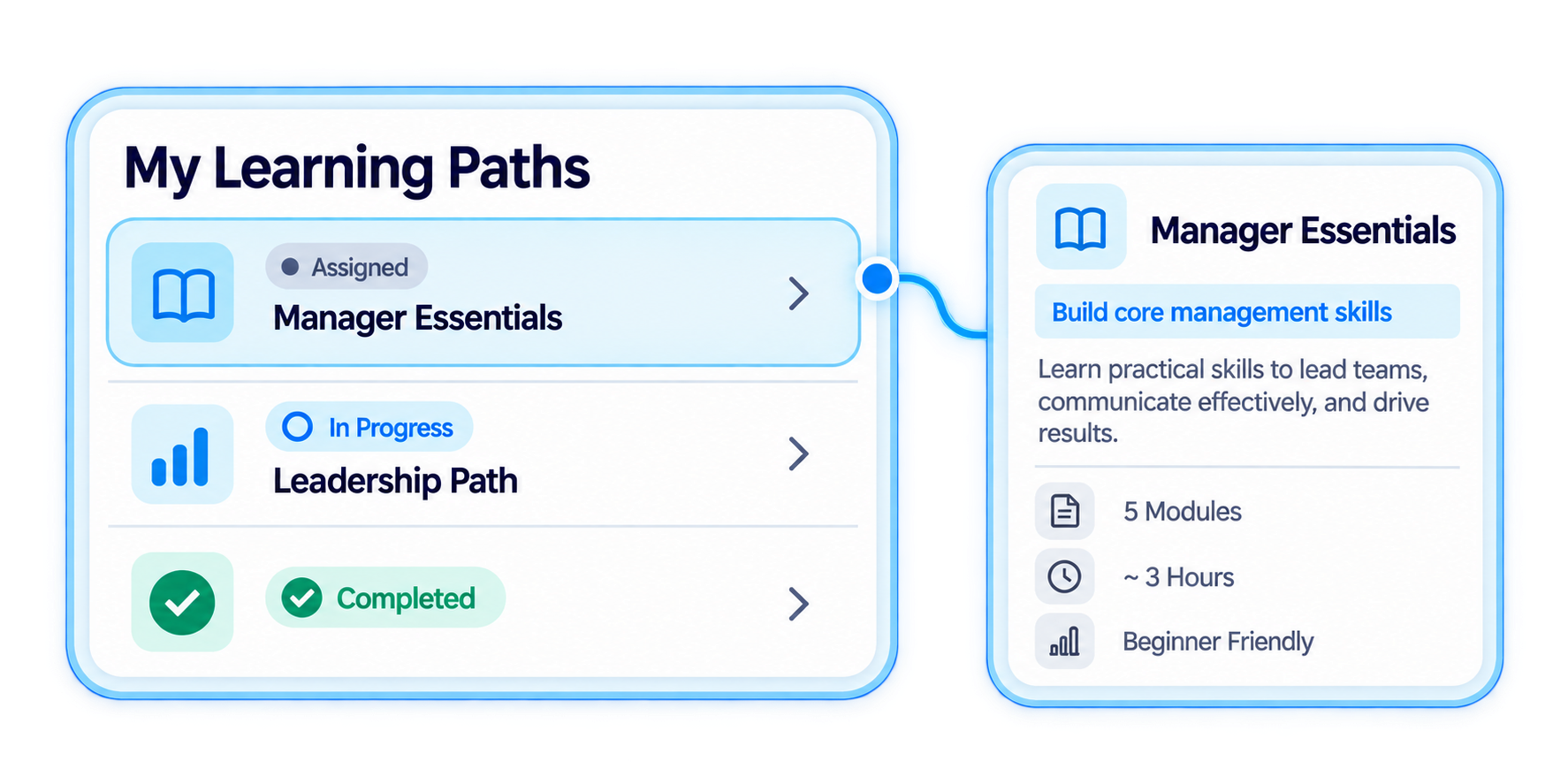
Use training waitlist management to keep waitlisted participation connected to enrollment and session capacity.
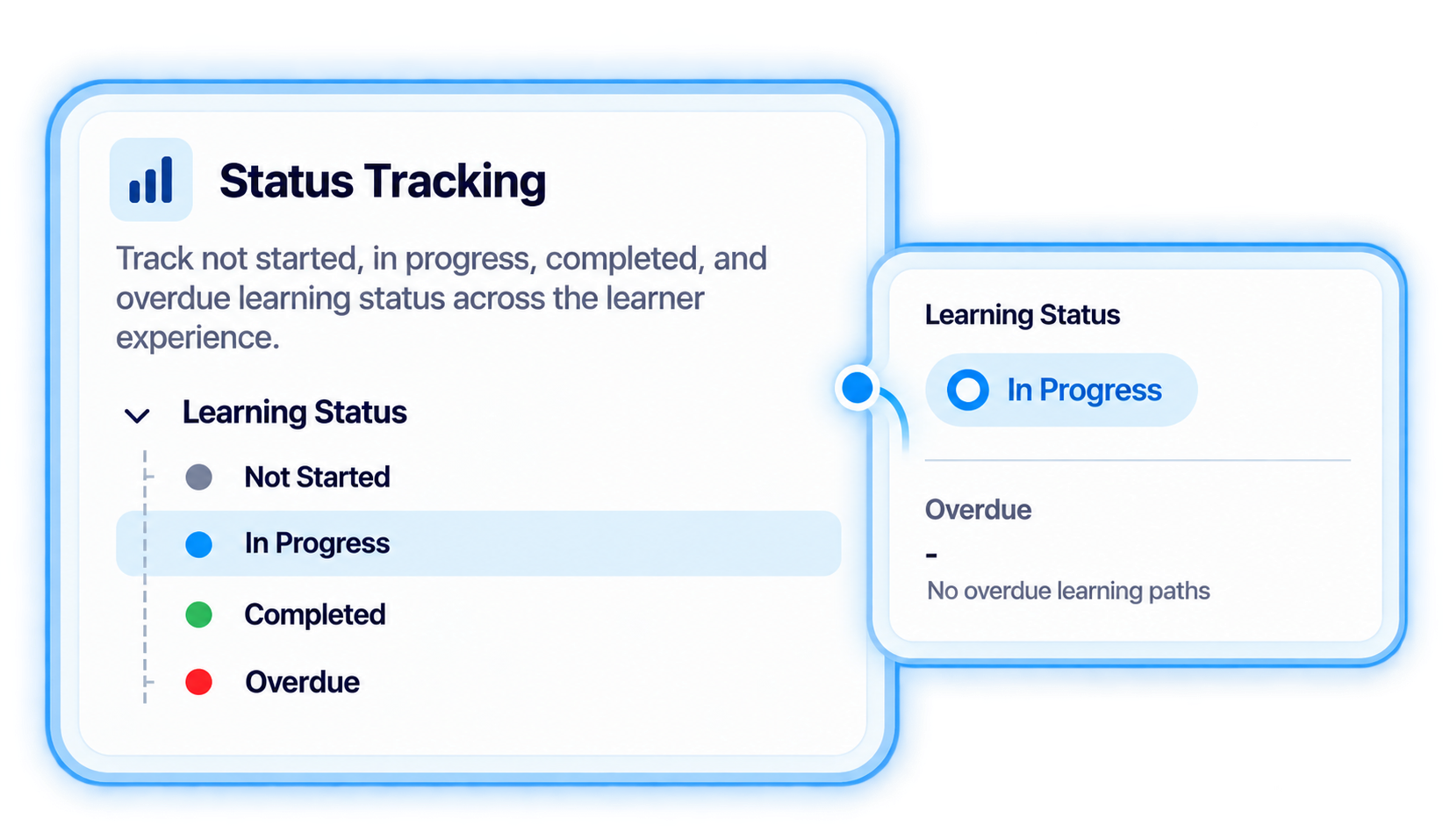
Manage enrollment, capacity, and waitlists within the same operational structure used for events, sessions, instructors, and delivery details.
Connect learners to scheduled training through a structured workflow that brings registration, capacity, waitlists, and session participation together.
.svg)
Use the event and session structure to establish the training activity learners will participate in.
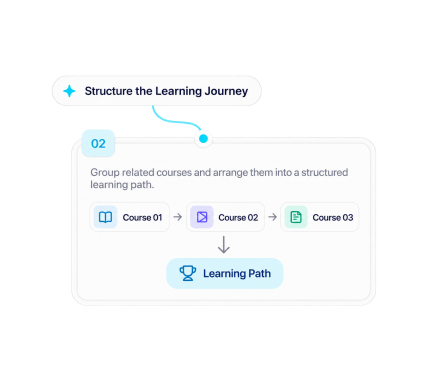
Manage learner enrollment for the relevant instructor-led or virtual training activity.
.svg)
Keep session capacity information connected to learner enrollment as participation develops.
.svg)
Keep waitlisted learners connected to the training workflow when session capacity is reached.
.svg)
Carry learner participation into the wider ILT or VILT workflow as the scheduled session moves into delivery.

Manage learner registration, session capacity, and waitlists while keeping participation connected to ILT and VILT operations in TraineryTMS.
.svg)


.svg)
