
Events & Sessions
Structure instructor-led and virtual training around events and individual sessions with the dates required for delivery.
.svg)
Plan ILT and VILT events and sessions, organize training dates, coordinate instructors and locations, and manage learner participation with TraineryTMS.
.svg)
Bring events, sessions, dates, instructors, locations, enrollment, and delivery information into one connected training scheduling system.


Use TraineryTMS Scheduler and Calendar capabilities to connect training dates, events, sessions, instructors, locations, learner participation, and delivery information.

Structure instructor-led and virtual training around events and individual sessions with the dates required for delivery.
Keep scheduled training activity organized through connected Scheduler and Calendar capabilities.
Associate instructor assignment information and training locations with the events and sessions they support.
Manage learner enrollment, available session capacity, and waitlists alongside scheduled training.
Plan and coordinate ILT and VILT activity with connected scheduling capabilities for events, sessions, dates, instructors, locations, and learner participation.
.svg)
Use Trainery's training scheduler software capabilities to organize ILT and VILT events, sessions, dates, and operational delivery information.
.svg)
Use training calendar software capabilities to maintain visibility into scheduled events, sessions, and training dates.
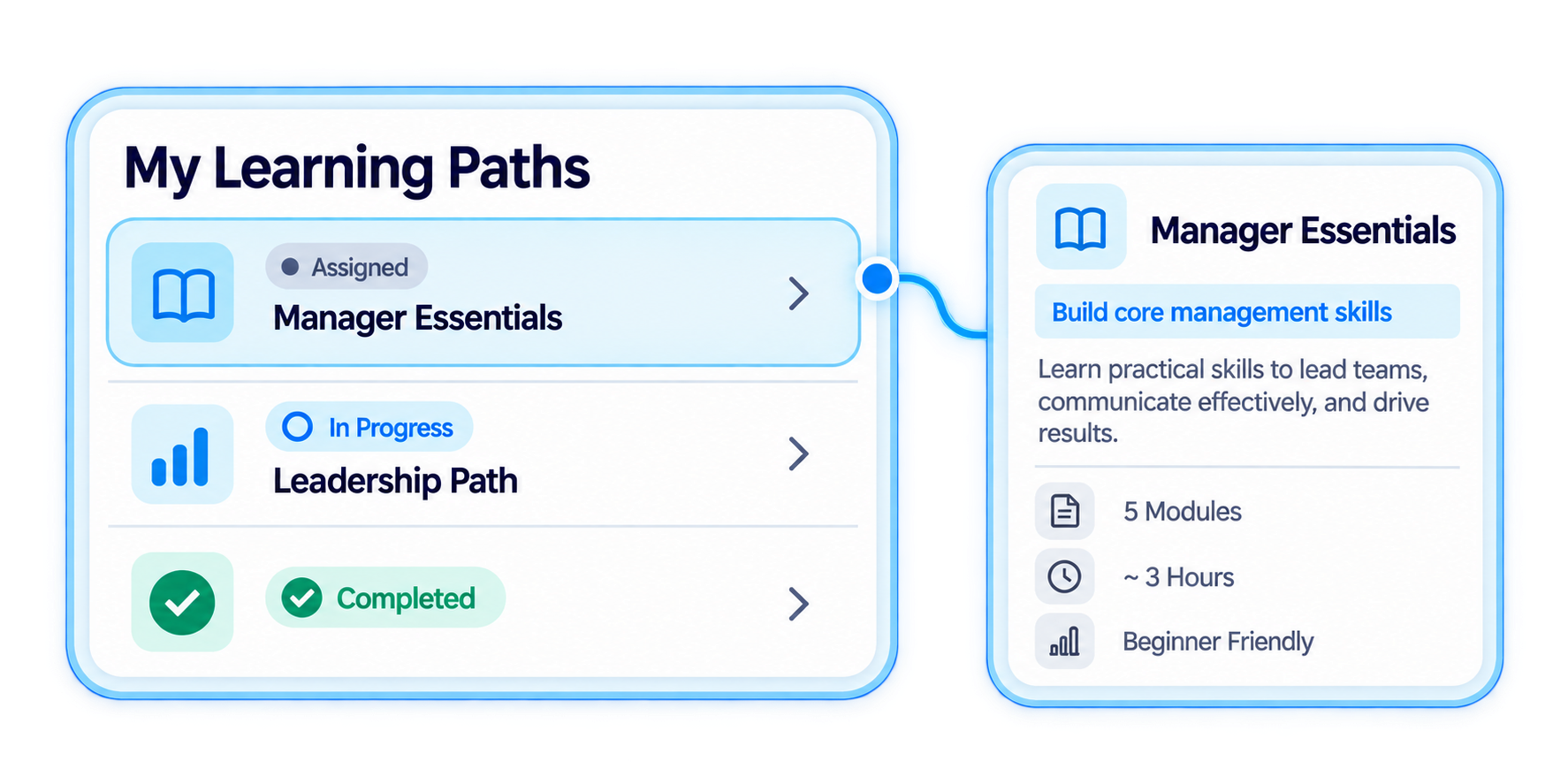
Associate instructor assignment information and training locations with the sessions and events they support.
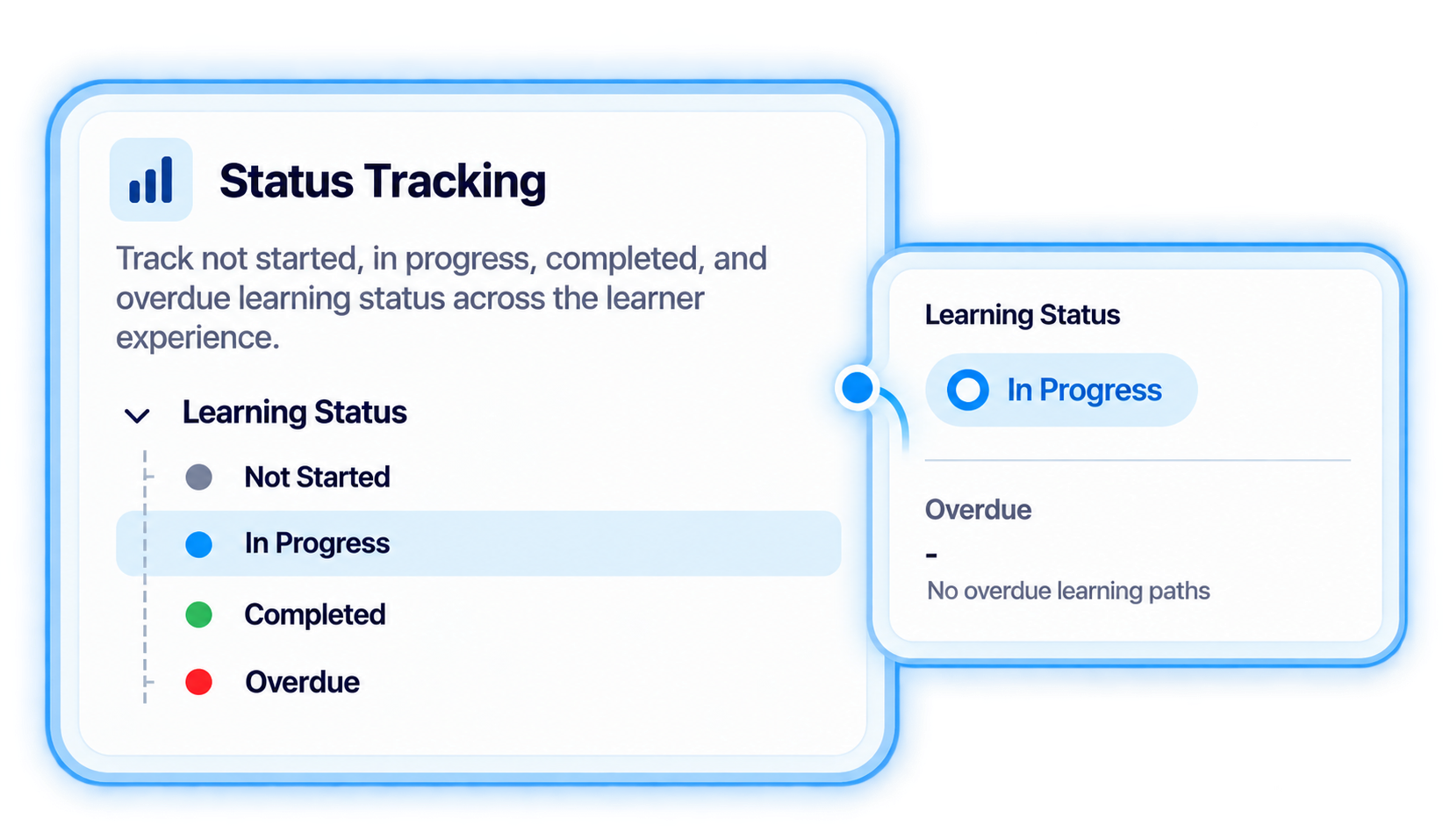
Manage enrollment, session capacity, and waitlists as learners move into scheduled training.
Use a connected training schedule software workflow to organize events, sessions, dates, delivery resources, and learner participation before training begins.
.svg)
Set up the event that provides the broader structure for instructor-led or virtual training.
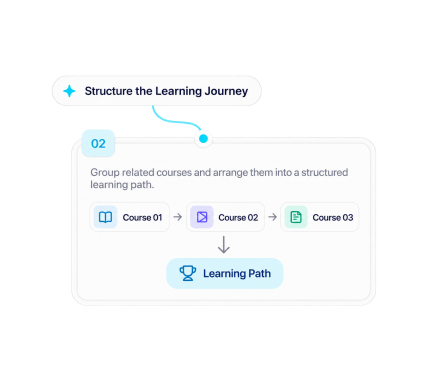
Create individual sessions with the dates and delivery information required for each scheduled training activity.
.svg)
Associate instructor assignment information and training locations with the sessions they support.
.svg)
Manage learner enrollment, available session capacity, and waitlists as training approaches delivery.
.svg)
Use the scheduled event and session structure to support ILT or VILT delivery within the wider TraineryTMS workflow.

Plan events and sessions, organize training dates, coordinate instructors and locations, and manage learner participation with TraineryTMS.
.svg)


.svg)
