

.svg)
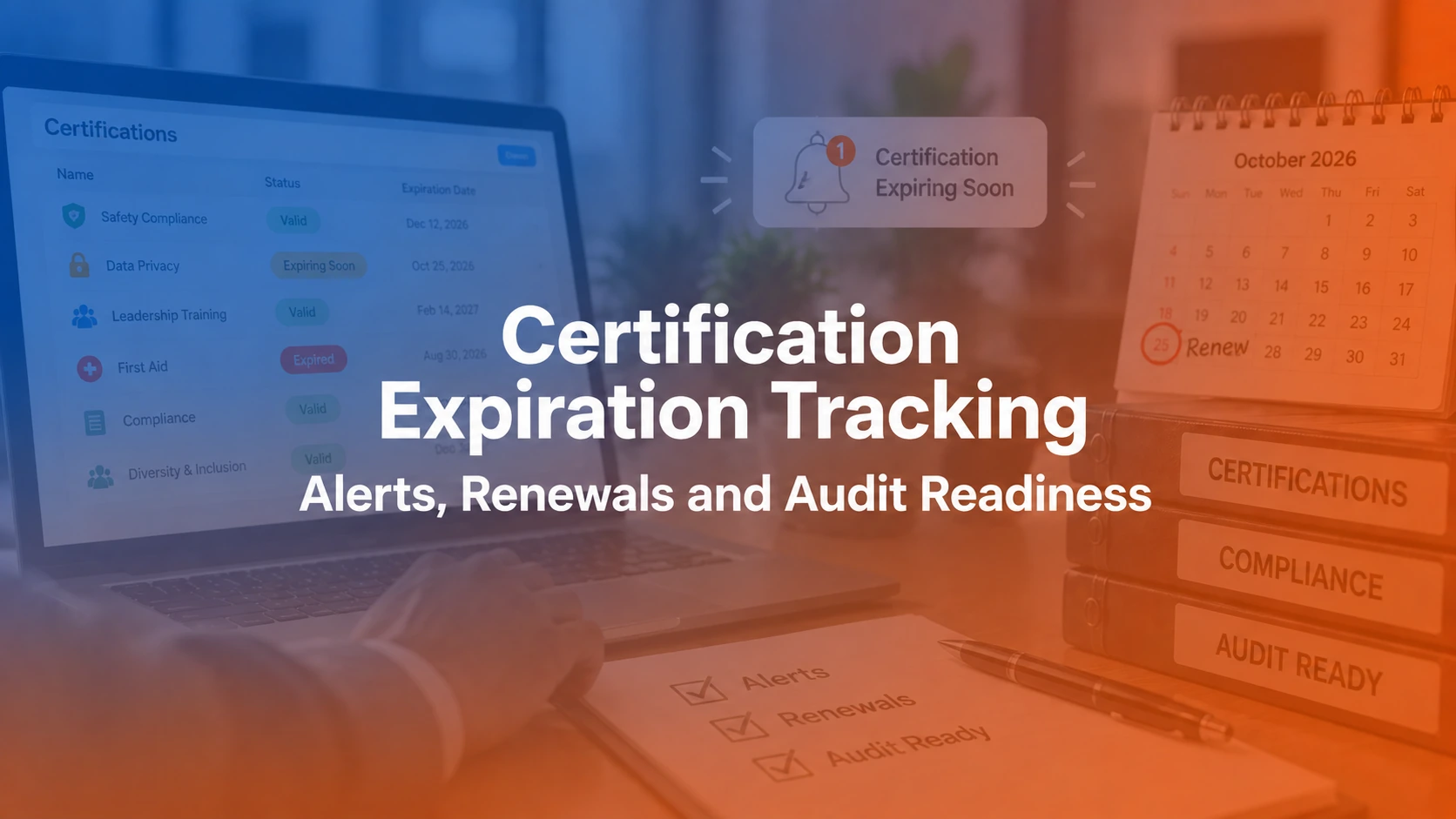

Certification expiration tracking is the process of monitoring when employee certifications, licenses, credentials, and other time-limited qualifications are due to expire, then managing the renewal work before validity is lost. A reliable process connects the credential requirement, expiration date, renewal prerequisites, owner, alerts, evidence, verification, exceptions, and history in one controlled workflow.
The goal is not simply to send a reminder. It is to know what must happen next, who owns it, whether the renewal is complete, what evidence supports the status, and whether the employee still meets the requirement for the work they perform.
Why certification expiration tracking matters
Certification problems often become visible at the worst possible time: during an audit, before a regulated assignment, when a customer asks for proof, or after a qualification has already lapsed. The underlying problem is usually not the absence of an expiration date. It is that dates, evidence, role requirements, training records, alerts, and ownership live in separate places.
A stronger certification tracking process should answer which credentials are required, which are active, which are approaching expiration, which renewals are in progress, which records are pending verification, which are expired, and what evidence supports each state.
Research and scope note
This guide was reviewed on September 9, 2026. Renewal timing, evidence, validity periods, retention requirements, and consequences of expiration vary by credential, issuing body, jurisdiction, regulator, contract, and employer policy. For example, OSHA standards do not use one universal training-record rule: some require the latest certification to be maintained, while others specify different record fields or retention periods. ISO 9001 guidance likewise requires appropriate documented information as evidence of competence rather than prescribing one universal credential record. Use the authoritative requirement governing each credential as the source of truth. See OSHA 1926.503 and ISO guidance on competence evidence.
Use a certification lifecycle, not only “valid” and “expired”
A two-state model hides important operational differences. A record awaiting verification is not the same as an expired credential, and a role change is not a compliance failure. Use a status model that describes what is actually known.
| Status | Meaning | Next action |
|---|---|---|
| Active | Credential is currently valid and outside the renewal window. | Continue monitoring. |
| Expiring soon | Credential has entered its configured renewal window. | Start or confirm renewal planning. |
| Renewal in progress | Required renewal work has started. | Track training, exams, documents, fees, or external processing. |
| Pending verification | New evidence is submitted but not yet verified. | Verify before changing the record to active. |
| Expired | The authoritative validity date has passed without confirmed renewal. | Follow escalation and work-eligibility rules. |
| Approved exception | A documented exception or temporary decision exists. | Track approver, limits, evidence, and review date. |
| No longer required | The role or assignment no longer requires the credential. | Close the requirement without misclassifying it as expired. |
What should a certification expiration record contain?
At minimum, capture the employee, credential, issuing body, issue and expiration dates, renewal rule, role or assignment requirement, current status, owners, evidence, verification, exception state, and history. Connecting credentials to a learning matrix or role requirement is important because it reveals credentials people are required to hold, not only credentials already on file.
- Employee or credential holder
- Credential name, type, issuing body, and credential number when appropriate
- Issue, effective, and expiration dates
- Renewal interval or validity rule
- Role, site, assignment, or requirement group
- Renewal prerequisites and required training
- Employee, manager, and oversight owner
- Current status and days until expiration
- Evidence and verification status
- Exception reason, approver, and review date
- Last change date, changed by, and historical renewal records
1. Define the renewal rule before configuring alerts
Do not begin with “send an email 30 days before expiration.” First determine what makes the credential valid, when validity ends, what renewal requires, how long those steps can take, who completes them, who verifies them, what evidence must be retained, and what happens if the deadline is missed.
Renewal may require refresher training, continuing education, an examination, document submission, an external appointment, fees, a practical assessment, or approval by an issuing authority. Different credentials therefore need different lifecycle rules.
2. Set reminder windows around the time required to act
A staged sequence is more useful than one last-minute alert. The exact timing should follow the real renewal process rather than a universal 90/60/30-day template. Trainery's notification engine can support automated reminders, but the organization still needs to define the triggers, recipients, and escalation logic.
| Stage | Purpose | Typical recipients | Configure from |
|---|---|---|---|
| Planning | Give enough time to understand and schedule renewal work. | Employee | Total renewal lead time |
| Action | Confirm training, documentation, exam, or application is underway. | Employee + manager | Expected processing time |
| Escalation | Surface unresolved risk before validity is lost. | Manager + compliance/HR/L&D | Risk and time remaining |
| Expiration | Trigger the organization's expired-credential workflow. | Defined operational owners | Authoritative expiration date |
3. Assign ownership for completion and oversight
A reminder does not create accountability. In many organizations, the employee owns completion, a manager owns operational follow-up, and HR, compliance, or L&D owns rule configuration, evidence verification, exceptions, and reporting. A scheduler or workforce manager may also need visibility when an expired credential affects staffing.
| Role | Typical responsibility |
|---|---|
| Employee | Complete renewal requirements and submit required evidence. |
| Manager / operational owner | Ensure the employee remains eligible for assigned work and act on approaching risk. |
| HR / Compliance / L&D | Maintain rules, verify evidence, govern exceptions, and report status. |
4. Connect renewal learning when training is required
If renewal requires training, link the credential record to the applicable learning path. A useful workflow is: expiration window opens → renewal requirement becomes active → required learning is assigned → completion is recorded → external evidence is submitted if needed → evidence is verified → the new validity period is confirmed.
Training completion and credential validity should remain separate unless the governing requirement explicitly makes them equivalent. For broader compliance-learning design, see compliance training software and the guide to an LMS for compliance training.
5. Keep evidence with the credential record
A green status is only as defensible as the evidence behind it. Depending on the requirement, evidence may include a certificate, license number, issuer verification, completion record, assessment result, continuing-education record, approval, issue date, or verification date.
OSHA illustrates why the source requirement matters: 29 CFR 1926.503 requires specific written certification information and maintenance of the latest training certification, while other OSHA standards can specify different record fields or retention periods. Electronic certification can be acceptable when the applicable standard's requirements are met. See OSHA's electronic certification interpretation.
Still reconciling expiration dates, training records, and renewal evidence manually?
A controlled renewal workflow should connect credential requirements, alerts, evidence, verification, exceptions, and reporting instead of leaving each step in a separate spreadsheet or inbox.
6. Verify renewal before replacing the previous status
When evidence needs review, use a submitted → verified → active workflow rather than treating an upload as proof. Preserve who submitted the evidence, what was submitted, when it was submitted, who verified it, the verification date, and the prior state.
This is especially important when employees self-upload documents or external license records. For related workforce recordkeeping, see the employee training tracking software guide.
7. Manage exceptions without hiding them
Real processes include leave, role changes, delayed external processing, incorrect source data, pending appeals, waivers, and credentials that are no longer required. Do not delete the issue or manually mark it active merely to make the dashboard green.
An exception should retain the reason, decision owner, effective date, review or end date, supporting evidence, work restrictions when applicable, and next action. Healthcare organizations with profession-specific requirements can use the healthcare certification management guide for a more regulated example.
8. Build audit-ready certification records
Audit readiness means being able to explain the requirement, current status, evidence, ownership, exceptions, and history. Trainery's reports and analytics can support reporting, but report quality depends on accurate underlying records.
| Audit question | Evidence the record should show |
|---|---|
| What is required? | Role/assignment requirement and credential type |
| Who holds it? | Employee or workforce record |
| Is it valid now? | Current verified status and relevant dates |
| What supports the status? | Certificate, license, assessment, issuer verification, or other required evidence |
| Who verified it? | Verifier and verification date |
| Was there an exception? | Reason, approver, limits, evidence, and review date |
| What changed over time? | Historical credential records and audit trail |
When evaluating permissions, auditability, access, retention, and data handling around employee records, also review the LMS security checklist.
9. Use role requirements to find gaps before they become expirations
An expiration report answers “Which existing credentials are about to expire?” Role mapping answers “Which credentials should people in this role hold?” A strong control compares required credentials against valid verified credentials so missing requirements are visible alongside expiring ones.
This links certification governance with broader training administration, where requirements, assignments, completions, and records must remain synchronized.
Certification expiration dashboard fields
- Employee, role, department, manager, and location
- Credential and issuing authority
- Issue date, expiration date, and days until expiration
- Current status and renewal stage
- Required renewal training and completion status
- Evidence and verification status
- Employee and oversight owner
- Last reminder and next action
- Exception state, approver, and review date
- Last updated date and updated by
For multi-system environments, document where the source of truth lives and how records move between the LMS, HRIS, and other workforce systems. Review Trainery integrations when planning those data flows.
Worked example: from expiration alert to verified renewal
Assume an employee's required safety credential expires on November 30 and the documented renewal process normally takes four to six weeks.
- Planning: The record enters its warning window and the employee is notified.
- Renewal training: Required refresher learning is assigned and completed.
- External renewal: The employee completes the external process and submits the new credential.
- Pending verification: The record stays pending until the designated owner checks the evidence.
- Verification: The new issue date, expiration date, verifier, and supporting evidence are recorded.
- History: The previous credential remains available so the organization can show both current status and historical validity.
That history matters when an auditor or customer asks whether a person was qualified on a specific past date, not only whether they are qualified today.
Common certification expiration tracking failures
One reminder schedule for every credential
A one-day online renewal and a multi-month professional licensing process should not use the same warning window. Configure alerts around real action time.
Alerts without ownership
If everyone is copied but nobody owns the next step, reminders create awareness rather than accountability.
Treating training completion as credential renewal
Completing renewal training does not necessarily mean an external certification or license has been renewed. Preserve separate learning and credential states.
Treating missing evidence as expired
The validity date establishes expiration. Missing documentation may instead mean incomplete evidence or pending verification.
Overwriting the old expiration date
Replacing the date without history makes it harder to prove prior validity. Preserve historical records.
Tracking only credentials employees already hold
This misses credentials that were required but never obtained. Map requirements to roles or assignments.
Spreadsheet vs. structured certification expiration tracking
| Process | Spreadsheet-led approach | Structured tracking |
|---|---|---|
| Expiration dates | Manually maintained | Centrally monitored |
| Reminders | Calendar/email/formulas | Configurable triggers and escalation |
| Renewal training | Separate list | Linked to learning workflow |
| Evidence | Email/shared drive | Connected to credential record |
| Verification | Often informal | Submitted/verified workflow |
| History | Frequently overwritten | Renewal history retained |
| Exceptions | Free-text notes | Governed state with approval and review |
Spreadsheets can work for a small, low-complexity program. The problem appears when employee count, credential types, sites, owners, rules, and evidence sources make reconciliation unreliable. The guide on building training operations explains when manual administration starts becoming an operating-model problem.
How to evaluate expiration-tracking functionality
This article owns the process intent around certification expiration tracking. For vendor comparison intent, use the separate certification software comparison linked earlier. When evaluating functionality, ask vendors to demonstrate different renewal rules, role mapping, configurable recipients, connected training, evidence, verification, history, exception governance, reporting, and integrations.
Also confirm data access and security controls for employee records through the vendor's security documentation.
Certification expiration tracking checklist
- Each credential has an authoritative validity and renewal rule.
- Credential requirements are linked to roles or assignments where appropriate.
- Expiration dates are populated and validated.
- Reminder windows reflect real renewal lead time.
- Employee and oversight ownership are explicit.
- Required renewal learning is connected where applicable.
- Evidence requirements are documented.
- Submission and verification are separate when needed.
- Expired and pending-verification records are distinguishable.
- Exceptions retain approver, evidence, limits, and review date.
- Historical credentials and change attribution are retained.
- Reports can filter active, expiring, expired, pending, and exception states.
From alerts to renewal governance
A mature process follows a clear control chain: requirement → credential record → validity rule → warning window → renewal action → evidence → verification → updated validity → retained history.
That model turns certification expiration tracking from reactive chasing into a predictable renewal workflow. It also gives HR, compliance, L&D, managers, and auditors a defensible answer to the questions that matter: who needs the credential, who has it, what is expiring, what action is outstanding, what evidence supports the status, which exceptions exist, and what changed over time.
TraineryCredentials
Move From Expiration Reminders to a Controlled Renewal Workflow
Connect certification requirements, expiration dates, renewal learning, alerts, evidence, verification, exceptions, and audit reporting in one governed workflow.
Book a DemoDownload your workbook
Enter your name and work email to unlock the Excel file.


.svg)

.svg)
.svg)

