
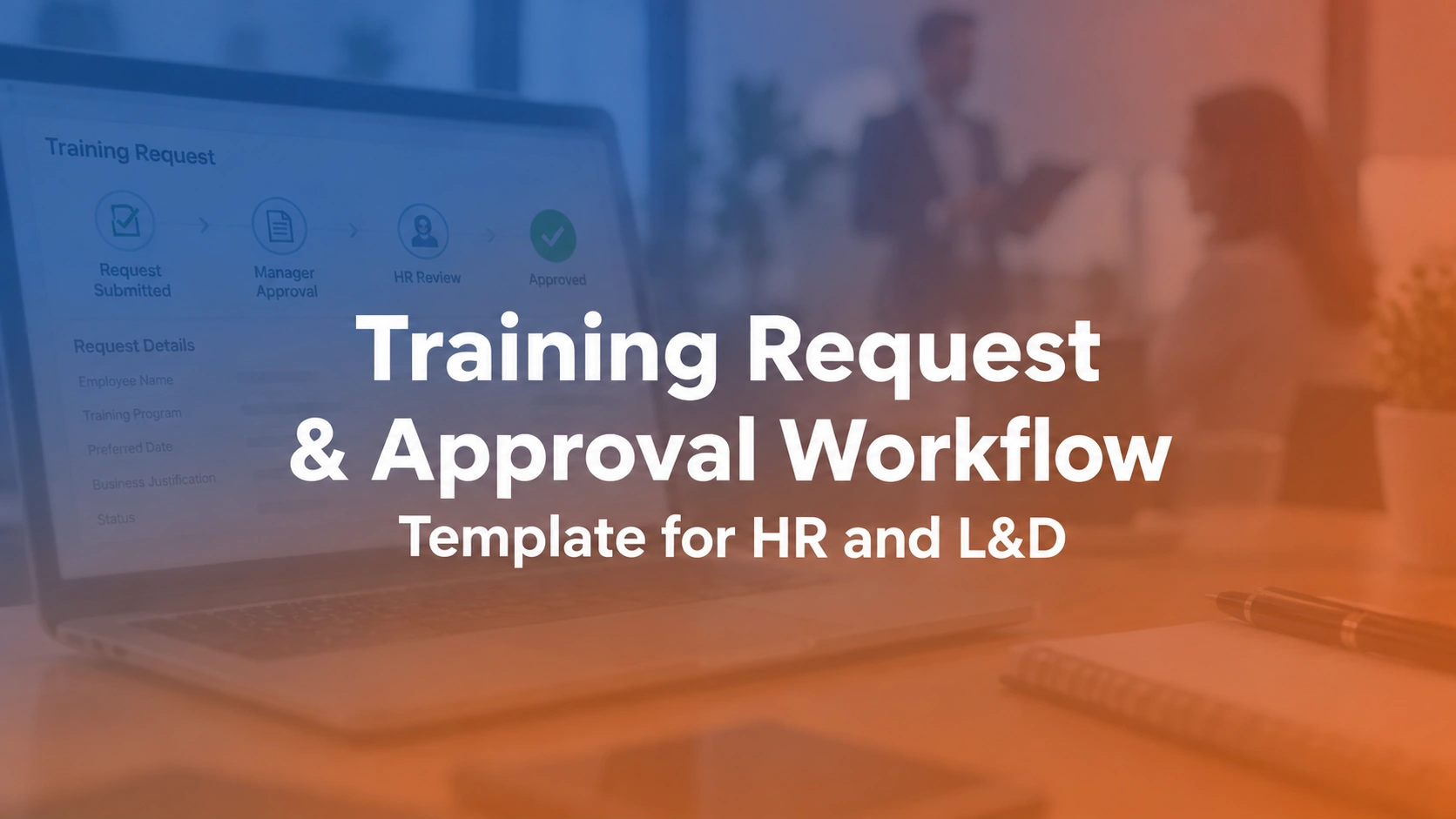

A training request and approval workflow is the process through which an employee or manager asks for training, HR or L&D checks its relevance and constraints, and an authorized approver accepts, defers or rejects it with a recorded reason. A good workflow makes training access understandable without treating every course request as automatically justified or every budget question as a blocker.
What are the steps in a training request approval workflow?
A practical process has seven handoffs: request, L&D triage, eligibility check, budget review where needed, authorization, enrollment or scheduling, and closeout. A manager may approve the need for training while the coordinator still has no available class seat. Keep those decisions separate. Each step should have a named owner, a clear status and an explanation when a request cannot progress. The sample workflow table below can be adapted to your organization's policy.
| Stage | Required information | Decision owner |
|---|---|---|
| Request | Employee, role, desired outcome and date | Employee or manager |
| Triage | Training need versus nontraining cause | L&D |
| Eligibility | Prerequisites and required audience | Program owner |
| Budget review | Estimated cost and available allocation | Budget owner |
| Approval | Decision, conditions and reason | Authorized approver |
| Enrollment | Session or learning path assignment | Training coordinator |
| Closeout | Attendance, completion and outcome | Program owner |
For a documented example of manager, administrator and enrollment handoffs, Oracle PeopleSoft’s training request guidance distinguishes authorization from administrator processing. Factorial’s approval documentation shows how another vendor handles permission and approval groups; these are comparative examples, not claims about Trainery’s configuration.
What belongs in a training request form?
Ask what performance problem the requester hopes to solve, which employees need support, the preferred timing, business urgency, proposed course or skill, any prerequisite and the approximate audience. Make the desired outcome a required field. A course title without a business reason is difficult to prioritize and even harder to evaluate.
Worked example: A manager requesting 'leadership training' should explain the behavior to improve, such as running weekly coaching conversations or delegating work. This lets L&D suggest the right intervention instead of simply buying the first course named.
Approved ILT requests still need qualified delivery capacity. When several courses compete for the same trainer, consult the instructor management and instructor portal workflows before promising a delivery date.
When should HR or L&D reject a training request?
Do not equate every observed performance issue with a skill gap. A broken workflow, staffing shortage or missing tool may be better addressed through process improvement. Triage should identify whether training is plausible, whether a required program applies and who has authority to make the decision. A rejection should include a useful next step.
Worked example: If a team cannot use a dashboard because employees lack system access, purchasing more reporting training will not restore their permissions. Refer the request to the system owner and document why the training decision was deferred.
When an approved request becomes a booking, the training registration and events and sessions processes should make the learner's next step clear.
How should approval levels be defined?
Create routing rules by risk, cost, mandatory status and role. An instructor-led certification session might need scheduling approval even if the learner's manager already approved funding. A low-cost, role-relevant course may be auto-approved within a budget threshold. Do not add signature layers without a business control they serve.
Worked example: The manager can confirm job relevance while finance approves exceptional travel expense. A legal or compliance owner may separately decide whether a credential satisfies a rule. Keeping those decisions distinct prevents confusing authority.
Schedule availability is a separate check from funding authorization. Compare the training calendar with ILT and VILT management when designing the enrollment handoff.
How do you evaluate and prioritize requests fairly?
Use published factors such as mandatory deadlines, performance impact, role requirements, audience size, prerequisite readiness and budget availability. Write down how exceptions are handled. A consistent process reduces the perception that access depends entirely on whoever submits the loudest request.
Worked example: A mandatory refresher due next month may outrank an optional conference even if the conference was requested earlier. Record that urgency basis so requesters understand the decision and L&D can review its backlog.
As the volume grows, relate each priority decision to a named owner and due date. The training operations and task management pages explain adjacent workflows worth evaluating.
When training request and approval workflow spans multiple sessions, ask Trainery to demonstrate the exact approval, enrollment, instructor or reporting exception your team needs to manage.
How should a request move into a scheduled session?
Approval should trigger the next operational step, not end the workflow. Match the learner to available sessions or a learning path, verify prerequisites, communicate registration status and identify what happens if the class is full. A request should remain trackable until enrollment or completion outcomes are recorded.
Worked example: An approved course request can still sit unfilled because there are no instructor seats. Distinguish 'approved but unscheduled' from 'confirmed' so the manager sees the actual delivery risk.
Enrollment constraints differ by format. See the ILT operations playbook and ILT versus VILT guide when suggesting alternatives to a fully booked course.
How do you prevent duplicate requests and approvals?
Use a unique request ID and capture the employee, proposed training, submitting department, desired start date and approval chain. Link subsequent changes to the original record rather than opening a new email thread. Where a request affects a group, record both the group-level justification and individual attendance assignments.
Worked example: A manager may submit a team request while two employees also apply individually. A duplicate check can consolidate the demand without deleting evidence of who requested what.
For online or hybrid programs, consult the VILT delivery guide and training administration guide while defining the authoritative request ID.
What status and turnaround metrics are useful?
Track incoming requests, approved, rejected, deferred, awaiting information, assigned to a session, and completed. Measure decision time separately from time to delivery. Breakdowns by role and location can uncover bottlenecks or inequitable access, but require proper context before drawing conclusions.
Worked example: If most requests are approved within two days but learners wait six weeks for the only available workshop, an additional approval automation will not solve the underlying capacity shortage.
High approval rates are not enough if learners wait for a class. Assess scheduling capacity with the training scheduling software comparison and TMS comparison.
When should approval workflows move beyond email and spreadsheets?
Email can work for occasional decisions but makes authorization history and exception ownership difficult to reconstruct at scale. A managed workflow becomes useful when budget thresholds, requester status, approval substitutions and training enrollment must stay synchronized. Evaluate a system against an approval that is reversed after enrollment.
Worked example: In a demo, ask how the team handles a manager's departure during an active request, a required refresher with an expired deadline and a learner transferred to a new role. Watch the resulting permission and status changes.
A declined request should still point the employee toward a useful solution. The training needs analysis guide helps distinguish training problems; the training ROI guide can support later impact evaluation.
How to use the training request and approval Excel template
Use the free Training Request Tracker workbook above as a shared intake and decision register. Before you distribute it, confirm that the fields and access settings reflect your own HR policy. A request log is not a substitute for an authorization policy, and sensitive employee information should not be circulated in an open spreadsheet.
- Log each request: assign a unique ID, requester, team, proposed course or skill, business outcome, submission date and requested deadline.
- Triage the need: record the capability gap, nontraining causes, existing programs and any prerequisites to check.
- Route approvals: document the manager, L&D, budget or compliance owner for each decision that is actually required.
- Record the result: mark approved, declined, deferred or awaiting information; retain the reason, decision date and next owner.
- Track fulfillment: distinguish approved but unscheduled from enrolled, waitlisted, completed and canceled.
- Review the backlog: look for overdue decisions, unassigned owners, mandatory training deadlines and requests awaiting a seat.
Test the workbook with an approved request that cannot yet be scheduled. If it appears as completed, add a separate fulfillment status before your team starts relying on the tracker.
What should you ask a training platform vendor?
Show the vendor three anonymized training requests: an optional course within budget, a mandatory class that is fully booked, and a request needing exceptional funding. Ask who can approve each request, what happens if an approver is away, how rejected requests retain a reason, and whether an approved request can remain unscheduled without disappearing from reports. Then test one changed decision and request its audit trail. The training management systems comparison and TraineryTMS overview provide context for the conversation. Do not assume a vendor offers configurable approvals, automated notifications or bidirectional enrollment updates until demonstrated in the proposed configuration.
Worked approval case: request approved but no session available
An employee requests a technical safety refresher before a required assignment. Their manager approves the business need, but the nearest instructor-led session is already full. The request should not be marked complete. The workflow records the approved need, verifies eligibility, identifies the required deadline and routes the capacity problem to the training coordinator. The coordinator can place the employee on an appropriate waitlist, propose an alternative authorized session or escalate the deadline risk. Finance approval, where required, remains a separate decision from reserving a seat. After the learner is assigned to a session, the system should send confirmation and preserve the request-to-enrollment link. Finally, verified attendance and any assessment result close the training outcome. A useful approval template therefore contains timestamps for request, decision, assignment and completion. It also has a field explaining why an approved request remains unfulfilled. Without that distinction, a dashboard can report a successful approval process while mandatory training is still outstanding.
Conclusion: approval is only the beginning
A reliable training request and approval process connects the reason for learning to a documented decision and a real opportunity to attend. Start with consistent intake questions, assign authority only where it is needed, explain declined or deferred requests, and track fulfillment separately from approval. The Excel template can help a small L&D team establish those controls. As request volume grows, evaluate whether connected training operations can reduce handoffs and prevent approved requests from being forgotten.
Explore how TraineryTMS supports instructor-led training scheduling, session administration and related learner records. Bring a difficult real-world scenario to the demonstration.
Book a DemoDownload your workbook
Enter your name and work email to unlock the Excel file.